Your friend group’s running joke
Put the quiet friend and the unofficial hype person on the same mic. Share the clip in your group chat and let everyone pick their favorite moment.
TWO FAMILIAR FACES. ONE UNEXPECTED COLLAB.
Turn a friend-group joke, birthday surprise or creator collab into a two-person rap video. Add one photo each and take the orange stage in striped streetwear, sunglasses and chains, with the sample’s beat and back-and-forth performance.
Five videos from four portrait pairings; one pair appears in two separate generations. Choose a sample to see its video, both source photos and matching frames below.
These are the fictional source photos used for this actual generated example. Your own result will vary with your photos.
GIVE YOUR DUO A REASON TO DROP A VERSE
Two separate photos are enough. Start with someone who will enjoy seeing you both in the same unexpected scene.
Put the quiet friend and the unofficial hype person on the same mic. Share the clip in your group chat and let everyone pick their favorite moment.
Pair the birthday person with a close friend for a short stage entrance. Download the video, then add a name and birthday message in your own editor.
Trade another matching selfie for a streetwear rap duo. Use it for an anniversary post or a lighthearted surprise; the scene does not require a photo taken together.
Preview an unexpected pairing before your joint video or stream. Add the collaboration date after download and label it as an AI-made teaser.
Start with your separate everyday photos, then cut to your shared rap performance. After downloading, join the photos and clip in your own editor for a transformation reveal to send to friends.
TWO EVERYDAY PHOTOS. ONE UNEXPECTED STAGE.
No photo together or stage outfit needed. These four frames come from the real video selected above: enter the studio, hype each other up, then trade the lead.
Your photos guide the two appearances. The left performer gets a colorful striped shirt; the right wears orange. Sunglasses, chains and a warm orange studio bring the pair together. Your original outfits do not need to match.
Put us on the mic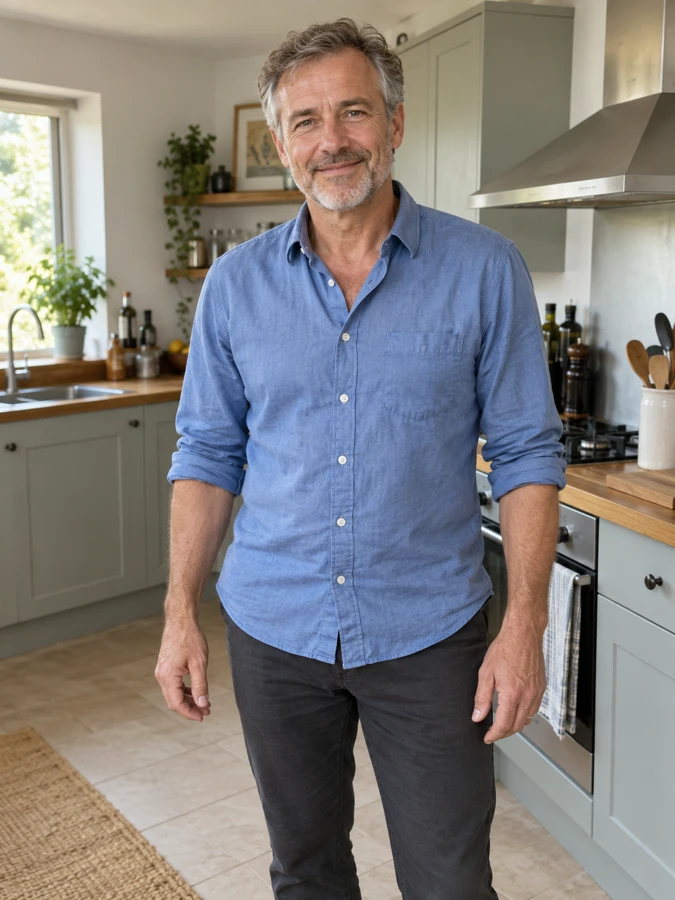
Left performer: source photo
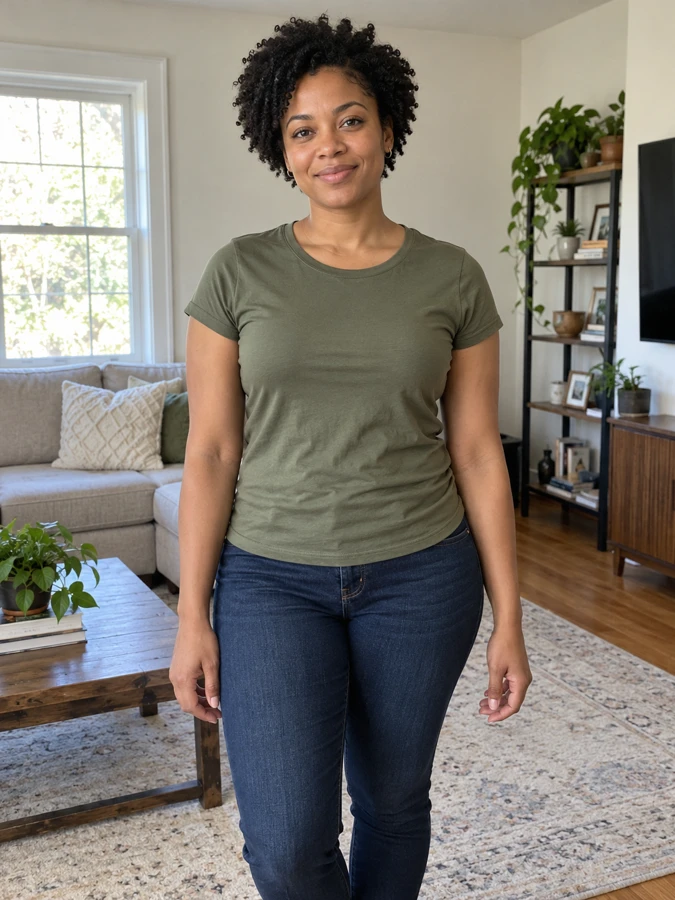
Right performer: source photo
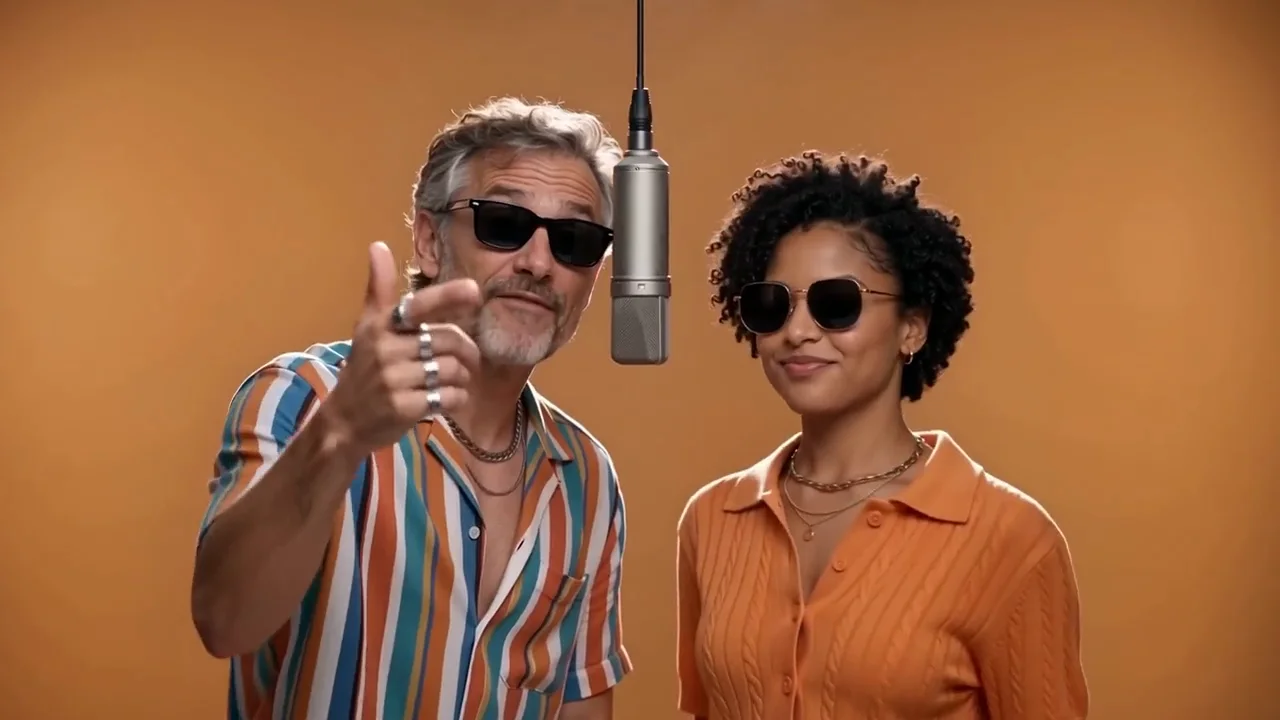
Actual frame at 0.5s from the selected video
The left performer raps to camera, points toward the viewer and moves their hands to the beat. The right watches and nods along, giving the pair a shared moment beyond simply standing side by side.
Put us on the mic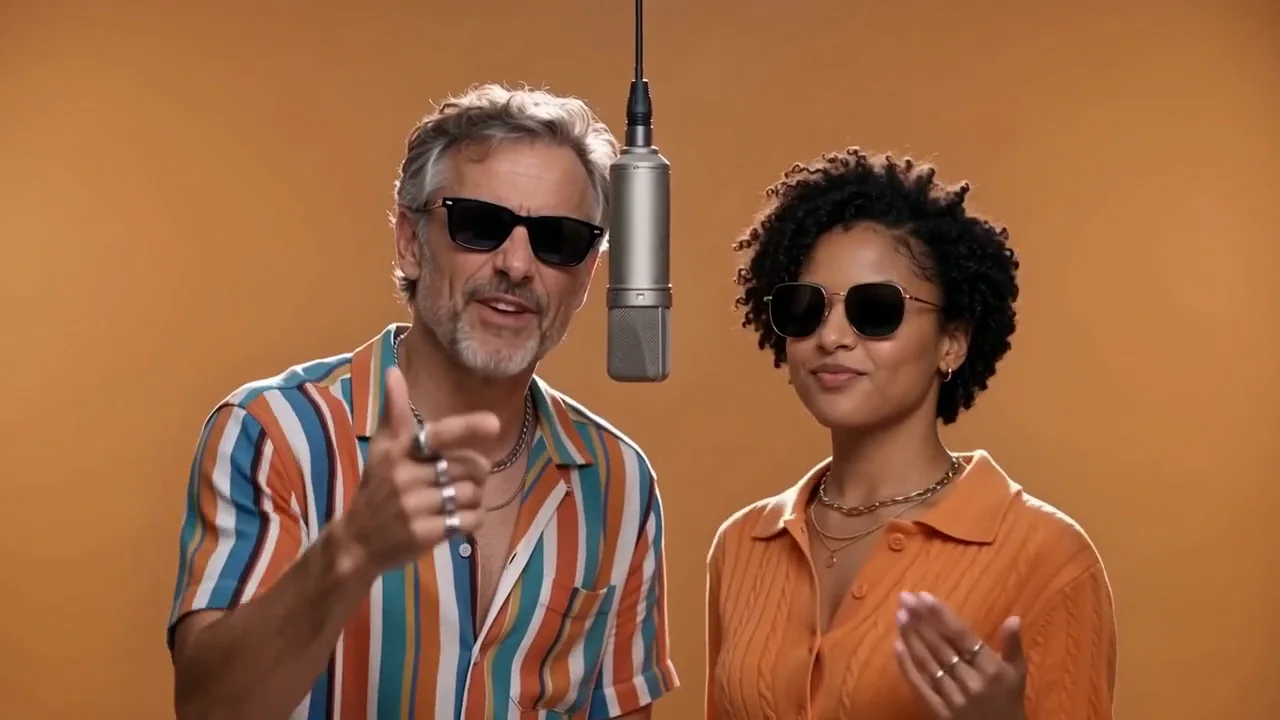
Actual frame at 2.2s from the selected video
The left keeps the lead while the right responds with expressions, gestures and glances. The music and vocals follow the sample, so changing the photos does not turn it into a different song.
Put us on the mic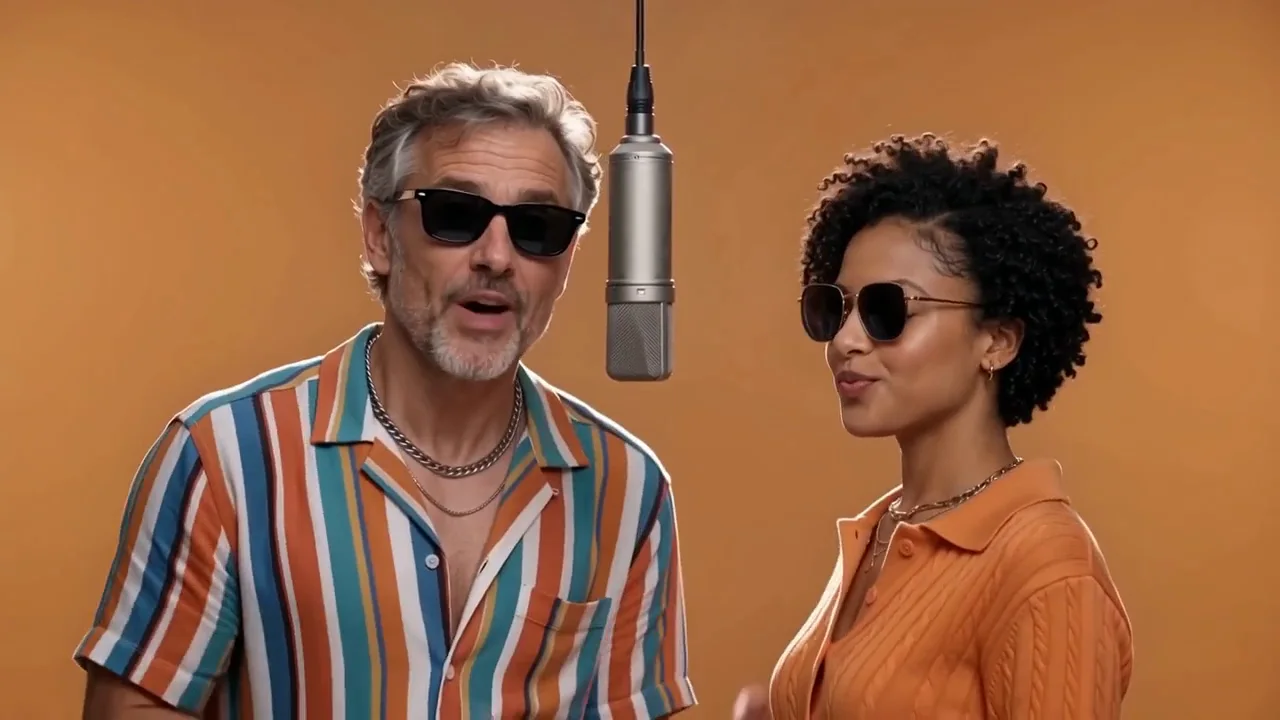
Actual frame at 5.4s from the selected video
Near the end, the right performer takes the lead and the left turns to listen. The 10-second HD version keeps the full handover; the 8-second option shows the opening. The voices belong to the sample, not the people in your photos.
Put us on the mic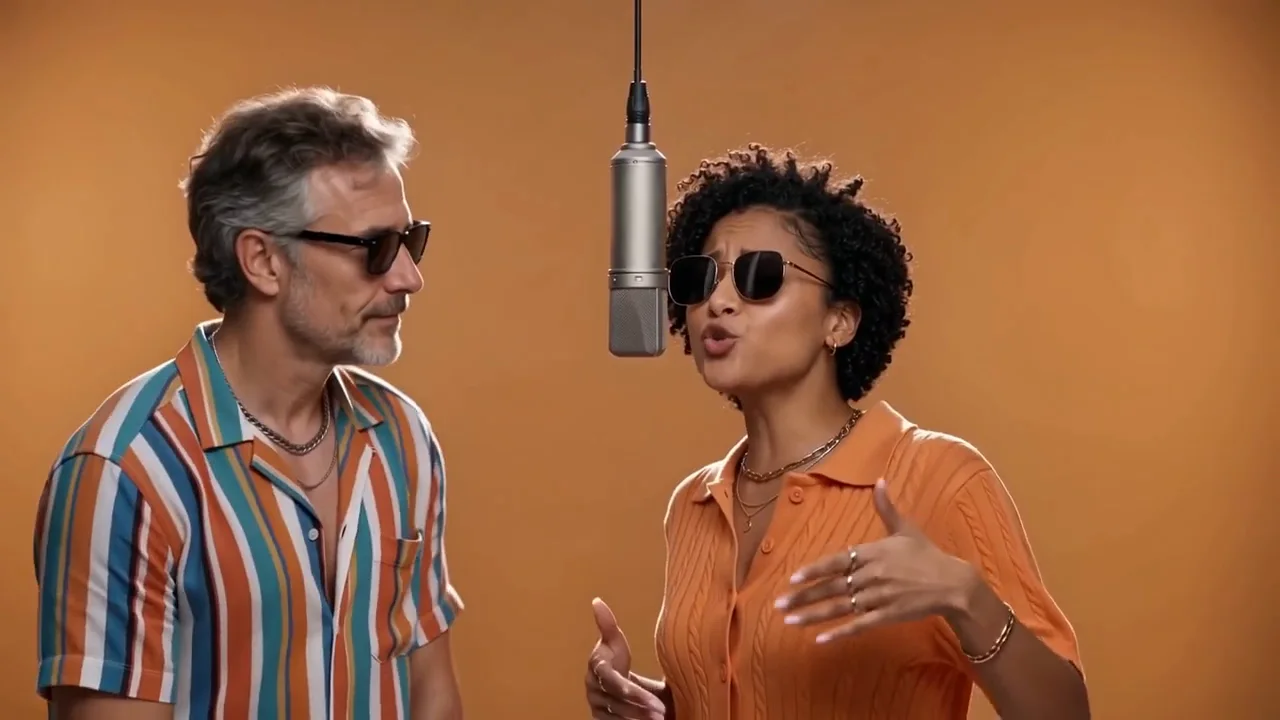
Actual frame at 8.5s from the selected video
CHOOSE YOUR TWO PHOTOS
Choose two evenly lit adult portraits, facing the camera with head and shoulders visible. First photo on the left, second on the right. Decide who should lead first, then arrange the uploads.
Avoid sunglasses, hands across the face, blur, heavy filters and group shots in the uploads. The template supplies clothing and accessories; faces, hair, hands and accessory details can vary. Get both adults’ permission first.
WHAT YOUR VIDEO DOES
The left performer wears a colorful striped shirt; the right wears an orange knit shirt. Sunglasses, chains, a hanging silver microphone and warm orange studio light create the look. Facial, hair and accessory details can vary.
The left performer starts with pointing and rhythmic hand gestures while the right nods along. Near the end, the right performer takes the lead and the left turns to listen. The full handover is in the 10-second HD version.
The template keeps the reference beat, vocals and timing instead of writing a new song for each take. Your photos guide appearance, not the voice. Download a landscape 16:9 MP4 with sound.
Two clear adult portraits, one person per photo. First photo on the left, second on the right. No shared photo needed.
Choose your quality, upload your photos and pay once. No account or prompt needed.
Your video appears here and in My videos. Download the MP4, or unlock the same performance in HD after trying 480p.
Upload two separate adult portraits, choose 480p or HD, and pay once to generate. The first photo is the left performer and the second is the right. The scene, clothing, soundtrack and performance are supplied by the template.
Use one adult in each photo, facing the camera with clear, evenly lit facial features. Avoid sunglasses, hands across the face and heavy filters in the uploads. The template adds the stage sunglasses; you do not need a matching outfit or a photo together.
$4.90 gives the opening 8 seconds at 480p. $19.90 gives the complete 10-second performance at 720p. Both include music, vocals and an MP4 download. After 480p, $15 unlocks the same saved 10-second HD master. No subscription or second generation for that upgrade.
This template keeps the soundtrack and performance heard in its example. It does not clone voices from photos or support custom songs and lyrics. Faces, hair, hands and accessories may vary. It is distinct from Hotel Lobby’s court-costume performance. Watch the sample with sound before choosing.
No public gallery is created. Your photos are stored privately and sent to our generation provider for this request. Photos are retained up to 7 days and videos up to 30 days. You can delete a finished request from My videos. Only upload photos you have permission to use.
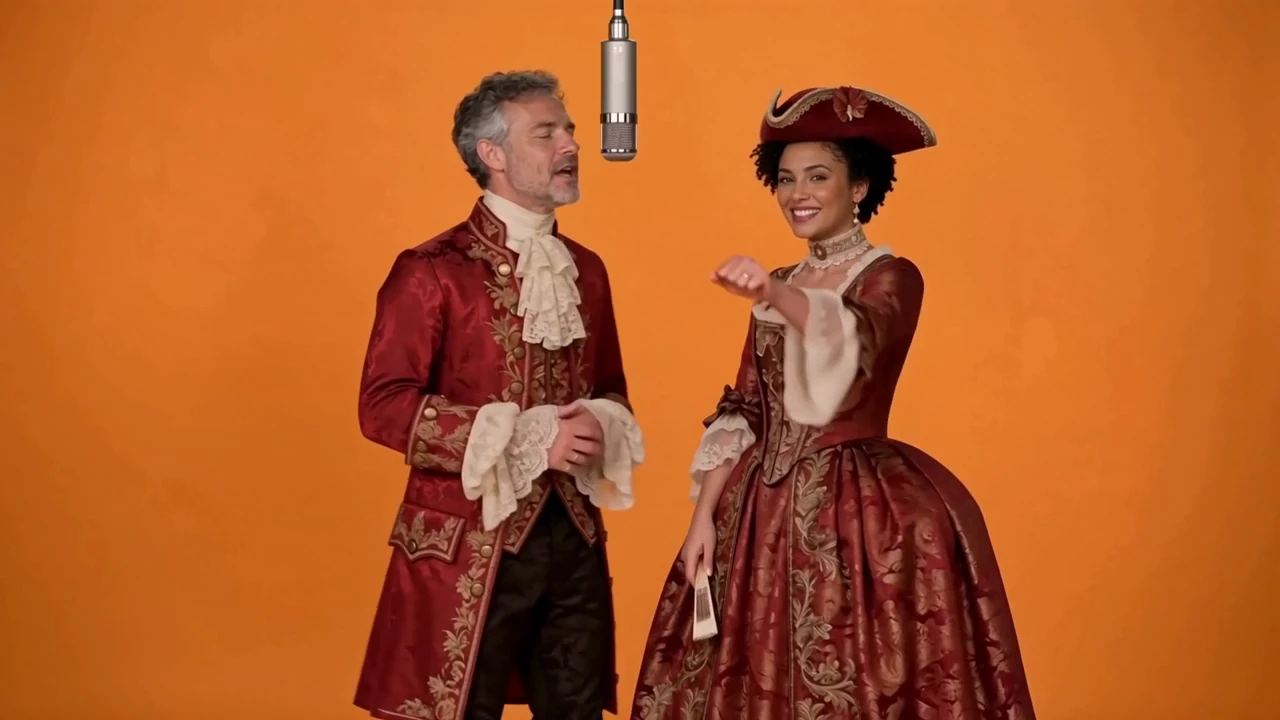
Put two portrait photos into a red-and-gold court rap duo, with the sample’s fixed soundtrack and performance.
2 photos · 8 / 15s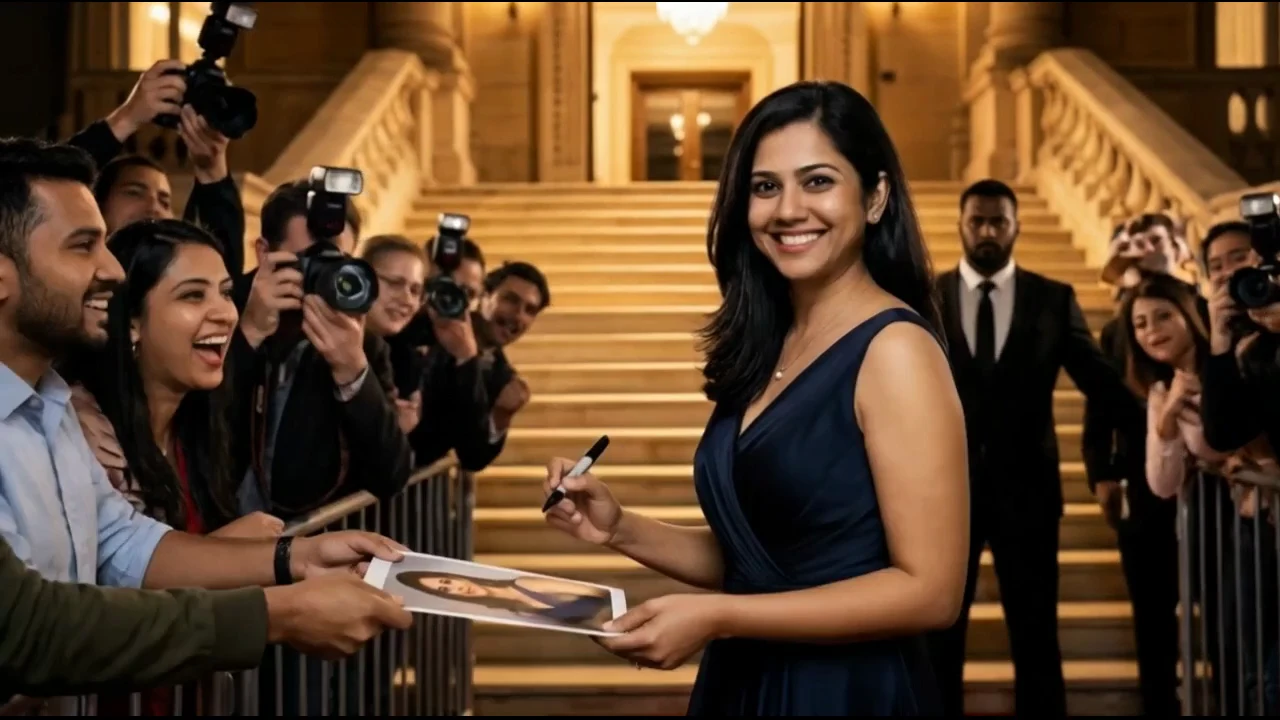
Turn one portrait photo into a red carpet video with a fan autograph, camera flashes and a smiling wave.
1 photo · 8 / 15s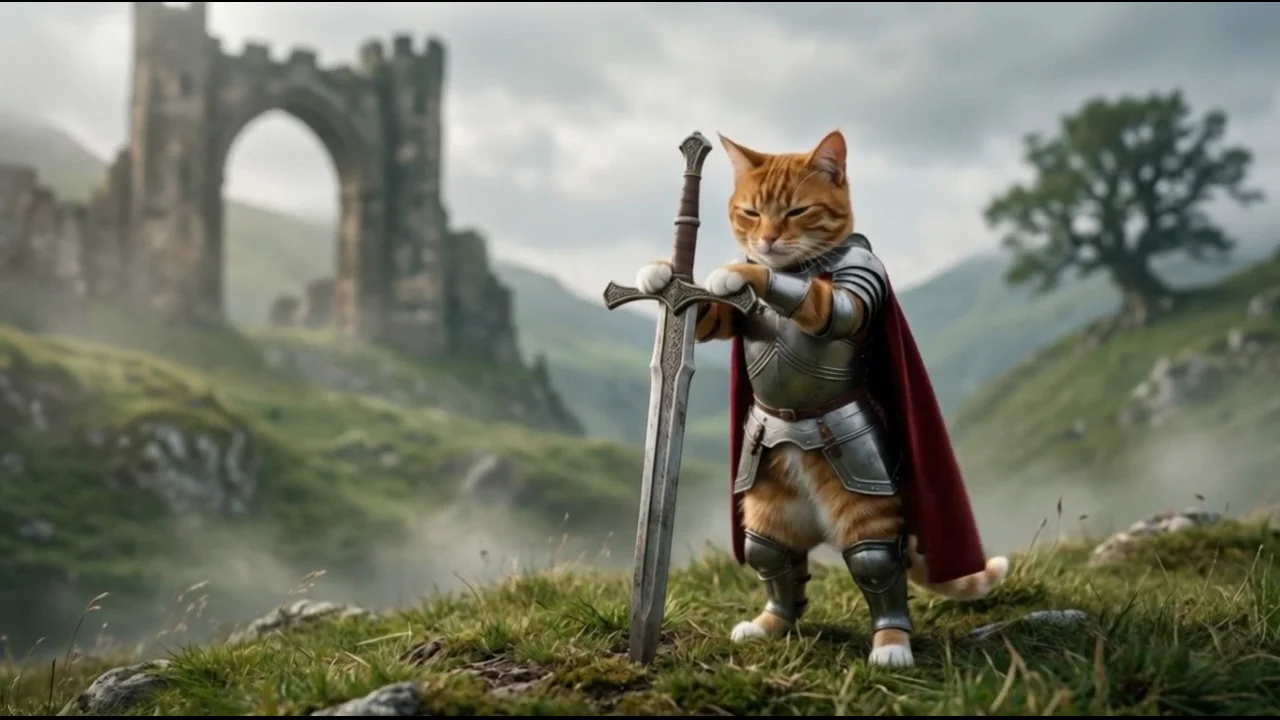
Turn a cat or dog photo into a fantasy knight video with silver armor, a planted sword and a flowing cape.
1 photo · 8 / 15s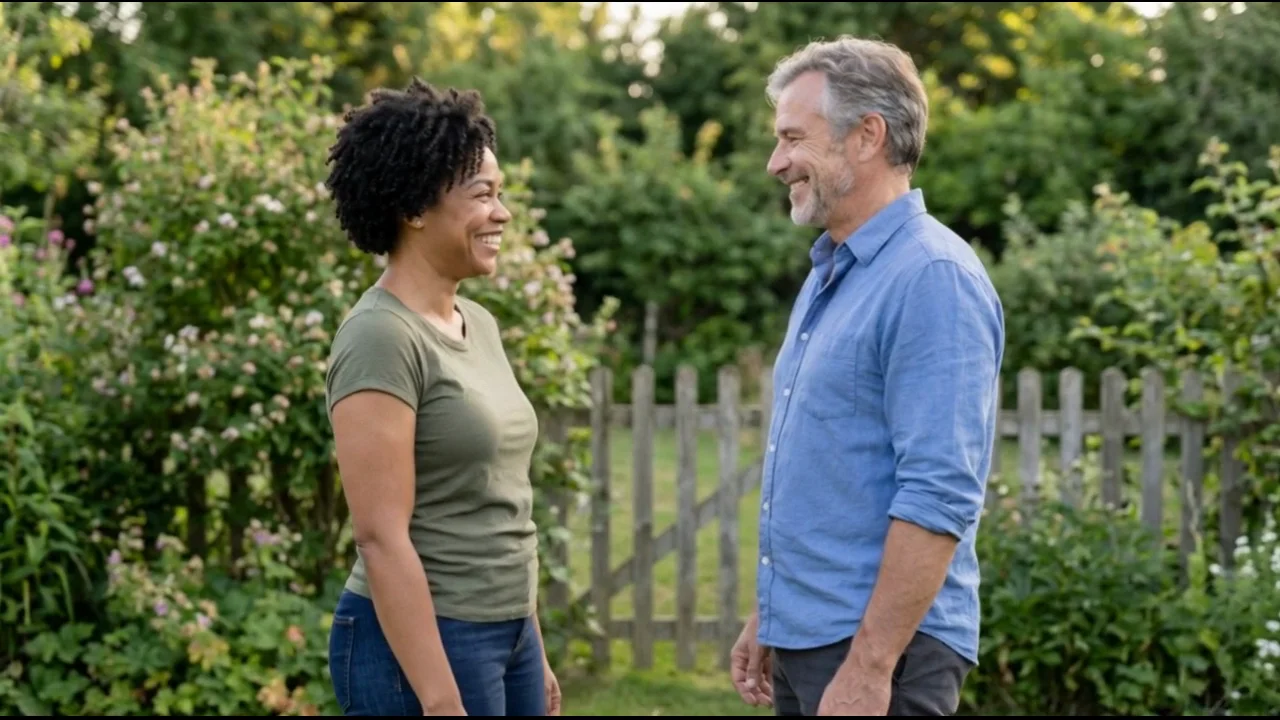
Bring two separate adult portraits together in a gentle AI hug video for a birthday, anniversary or long-distance greeting.
2 photos · 8 / 15s